Updated
Designs and records
Library stores widget designs. Profile → My Content manages tasks, daily goals and important dates. A design controls presentation; a record supplies content.
Changing a record affects all designs using it. A copied design may still use the original record. Select another record when you want independent content.
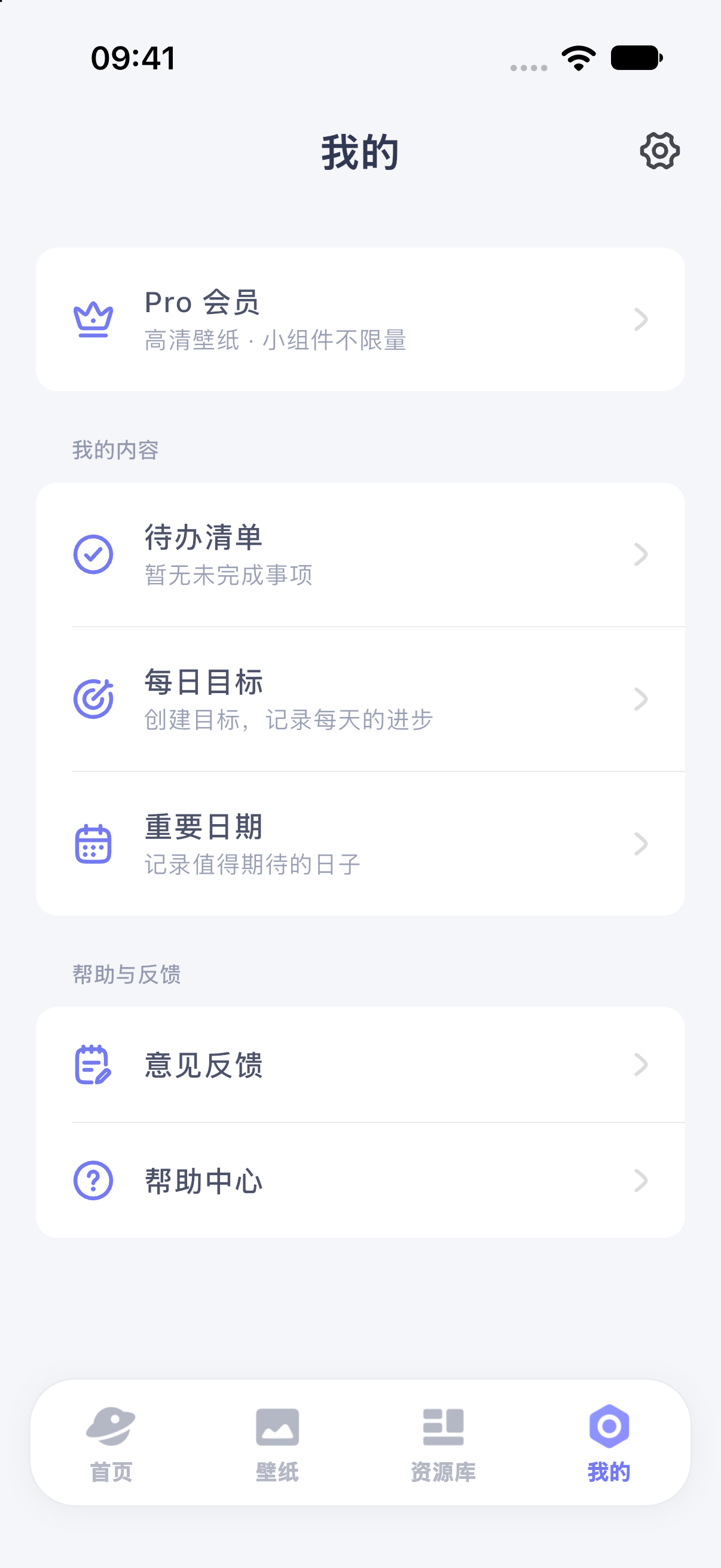
iPhone 17 simulator · iOS 27.0 · MuseScreen 2.2.0 (1). The screenshot shows the Simplified Chinese interface.
Choose content in a template preview
- Open the preview and inspect its content settings.
- Open the record or list picker and choose an existing item or create one.
- Return and check its name and content. A task-list selection chooses a group, not necessarily a single task.
- Complete required selections before adding. Optional selections remain optional.
Templates offer different settings. If required content cannot be selected, use another available template or send feedback rather than repeatedly deleting records.
Change an existing design's data
Open it in Library, find the layer or source reading the content, choose another record or list and save. Check whether several layers share the source.
To change a date, target or task text, edit the record in My Content. Deleting a referenced record may require reconnecting the design.
Manage each type
For stale Home Screen data, see refresh troubleshooting. Before moving devices, read data retention.